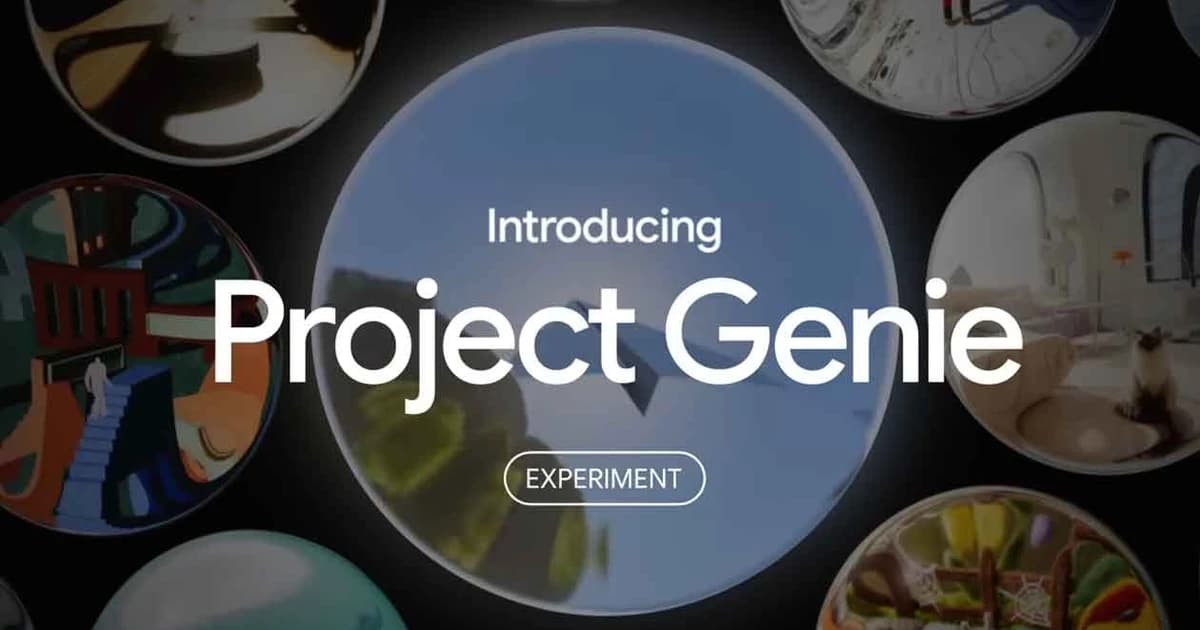
Project Genie gives you a hands-on way to play around with AI-generated worlds that feel alive and responsive. You start by sketching out a scene with text prompts, images, or even uploads of your own photos, then hop in as a character to explore. Powered by Genie 3, it cranks out real-time environments at 720p resolution, running smooth at 20-24 frames per second, with solid physics simulation so things like walking, driving, or flying make sense as you go. The model keeps details consistent, remembering spots you've been to before, which helps it handle longer sessions without falling apart.
Core features break down like this: world sketching lets you preview and tweak with tools like Nano Banana Pro for images and Gemini for smarts; exploration means navigating freely as the AI generates what's ahead on the fly; and remixing pulls from galleries or your own creations to spin new versions. It's not perfect yet, as it's early research stuff, with limits on long-term stability and some visual glitches, but that's part of gathering user feedback.
You can use it for fun, like whipping up game-like adventures or surreal landscapes, or more seriously for training AI agents in robotics sims, testing animations, or modeling real spots without real-world risks. Think quick prototypes for devs or just messing around in historical recreations. Google rolled it out in late January 2026 via a web app at labs.google, aiming to push toward AGI by better understanding dynamic world-building. Access is expanding slowly, but it's clear this bridges static AI images to full interactive experiences.