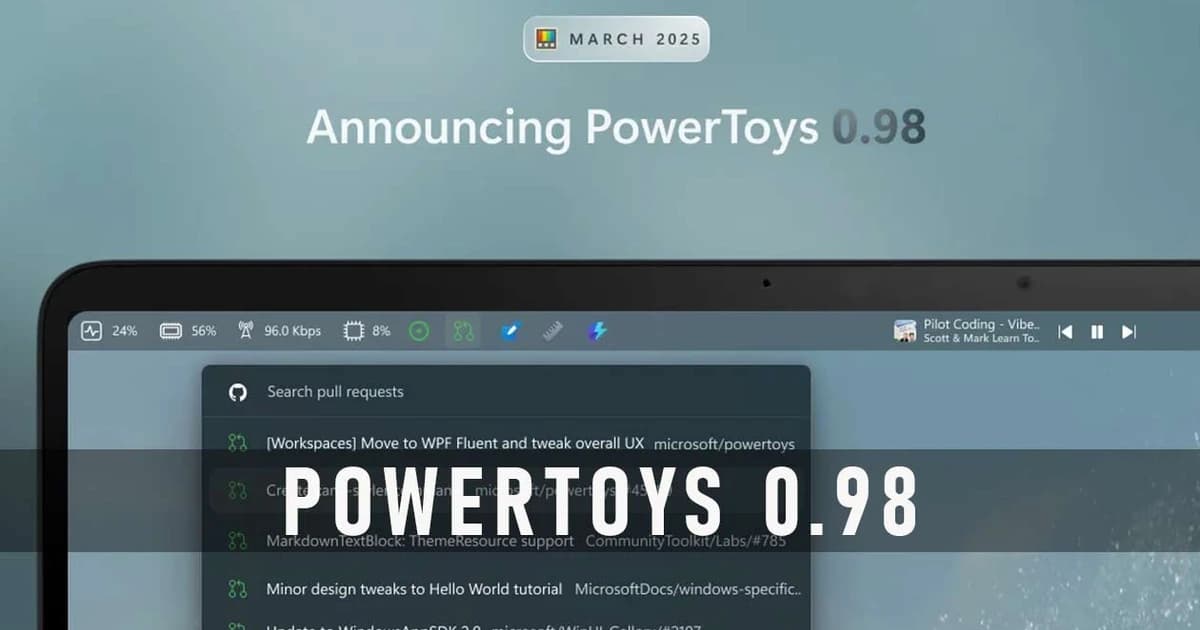
PowerToys 0.98 is a free collection of advanced utilities that extends what Windows 11 and 10 can do, aimed mostly at power users but very handy for anyone who tweaks their desktop a lot.
The March 2026 update focuses on making everyday work smoother with a brand‑new Command Palette Dock, a redesigned Keyboard Manager and a much smarter CursorWrap for multi‑monitor setups. PowerToys still bundles familiar tools like FancyZones, Color Picker, PowerRename, Awake, Image Resizer, Peek, Mouse Utilities and more, all controlled from a unified settings app. The new Command Palette Dock works like a persistent, keyboard‑driven launcher that you can pin commands and apps to, so you can trigger actions or open tools without reaching for nested menus or the Start menu. Keyboard Manager now uses a modern WinUI 3 interface and lets you enable or disable individual key and shortcut mappings, which makes complex layouts or per‑app remaps much easier to manage. CursorWrap got a big upgrade with better multi‑monitor support, configurable wrap modes (horizontal, vertical or both), and the option to limit wrapping to when you hold Ctrl or Shift, which is a big win for ultra‑wide and multi‑screen workflows.
There are also lots of quality‑of‑life improvements across the suite, including performance boosts and cleaner UI in Command Palette, safer Markdown previews in File Explorer, and fixes plus reliability tweaks for Light Switch and other modules. PowerToys is still completely free and open source; you can install it from its official GitHub releases page, from the Microsoft Store, or via Windows package managers, and once it is running you can update directly from the app’s own updater.